Role
Cinematic Designer / Scripter

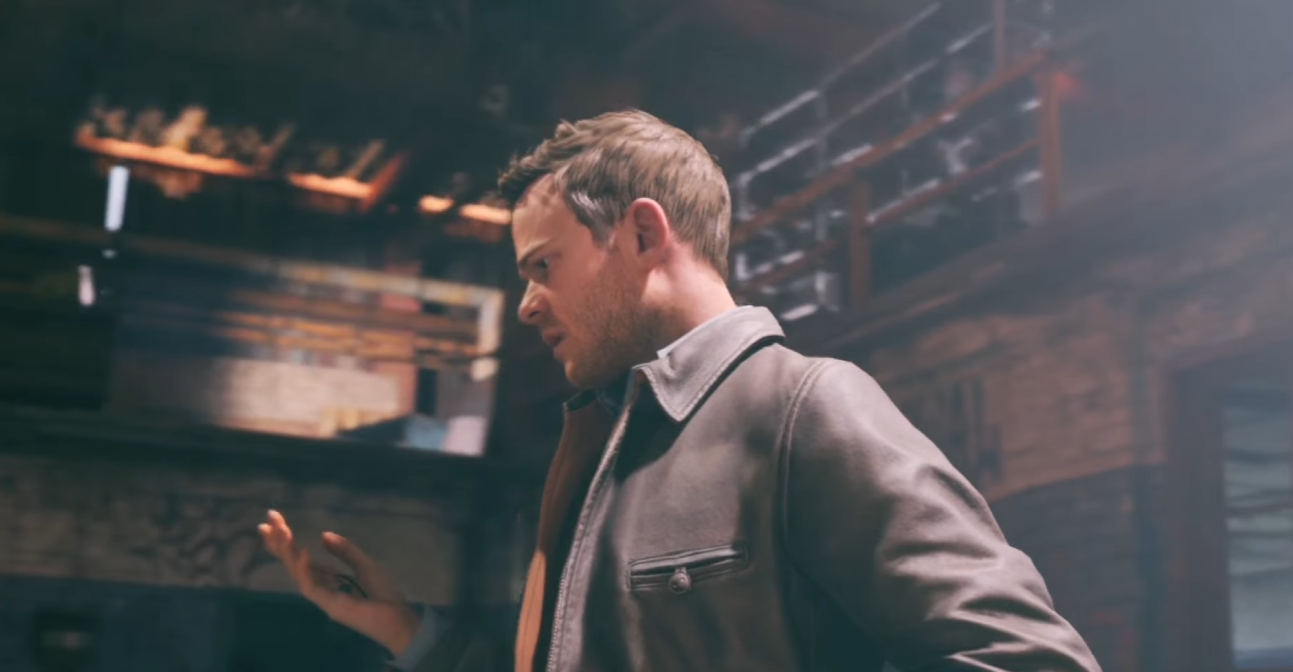


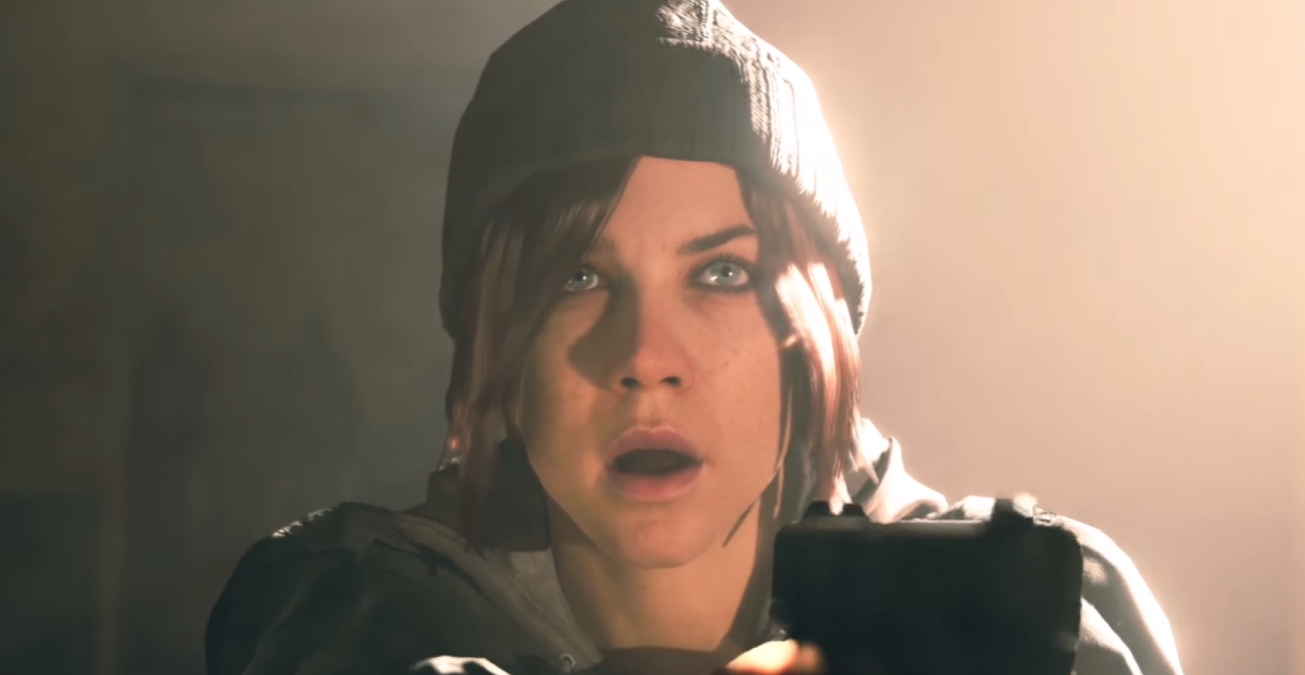
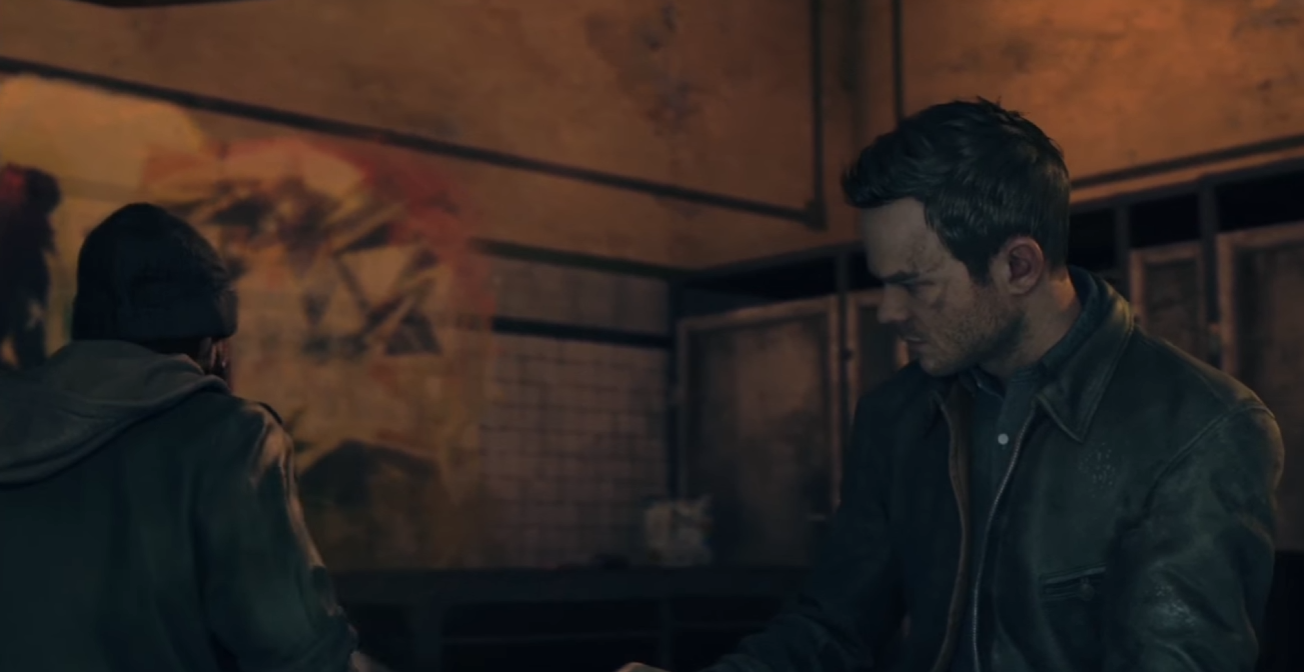
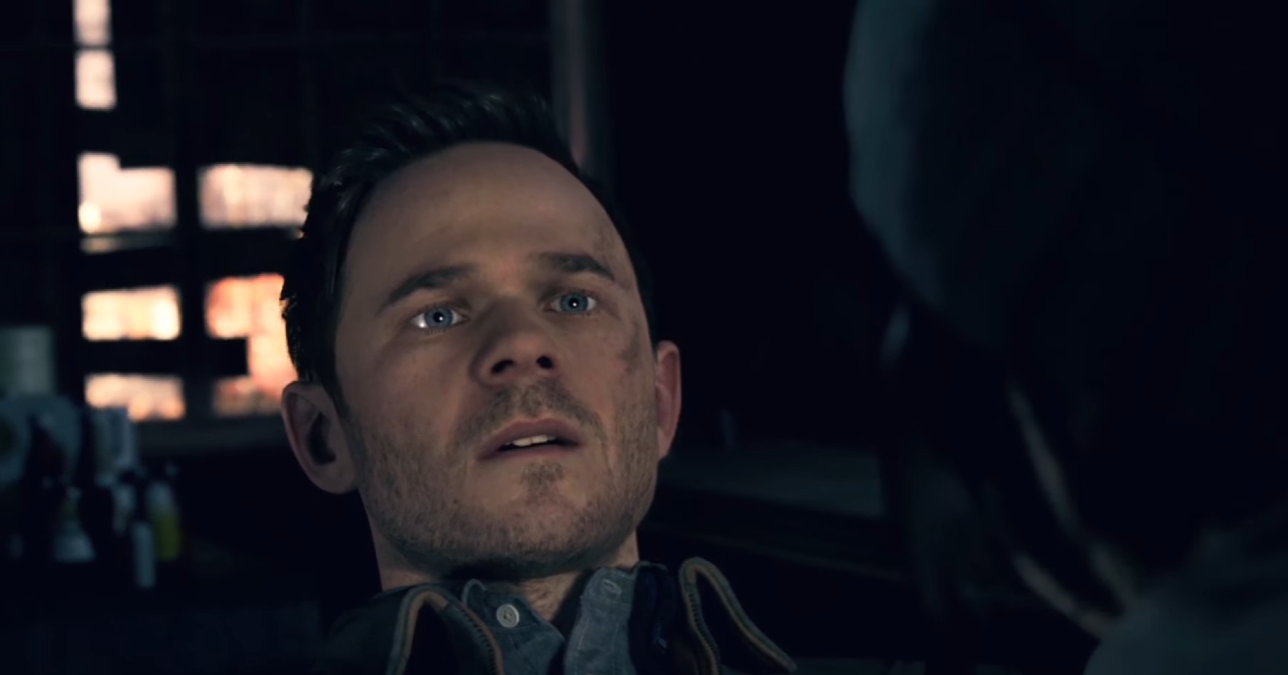

Responsibilities
Cinematic Editing
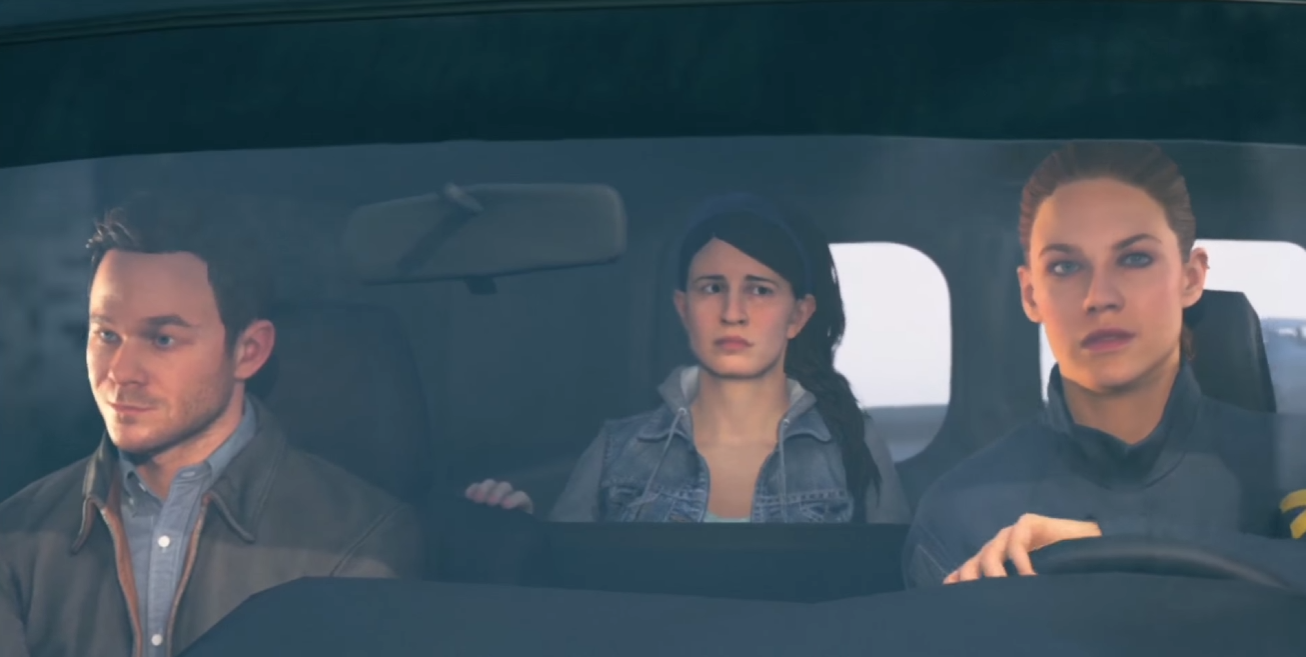
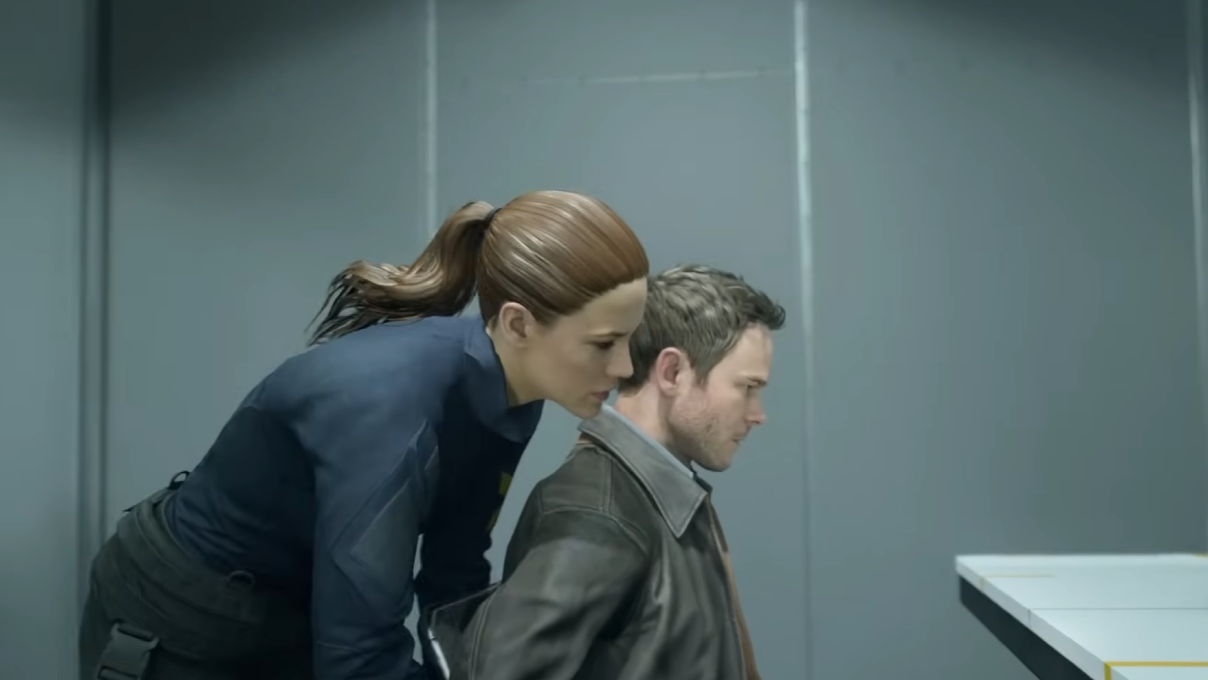
- Patching together all the selected takes (e.g. ensuring smooth flow from character actor performance to stunt performance and back) for a cinematic from the mocap shoot to make a linear edit of the flow of the events/actions.
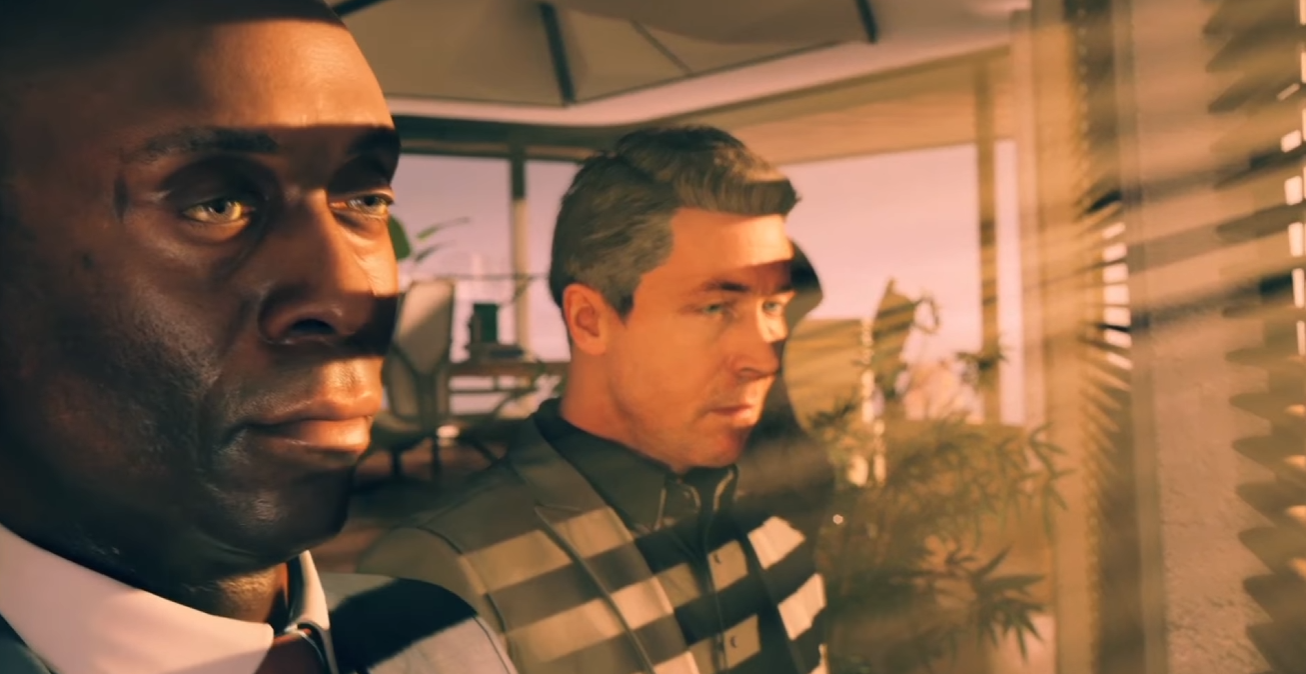
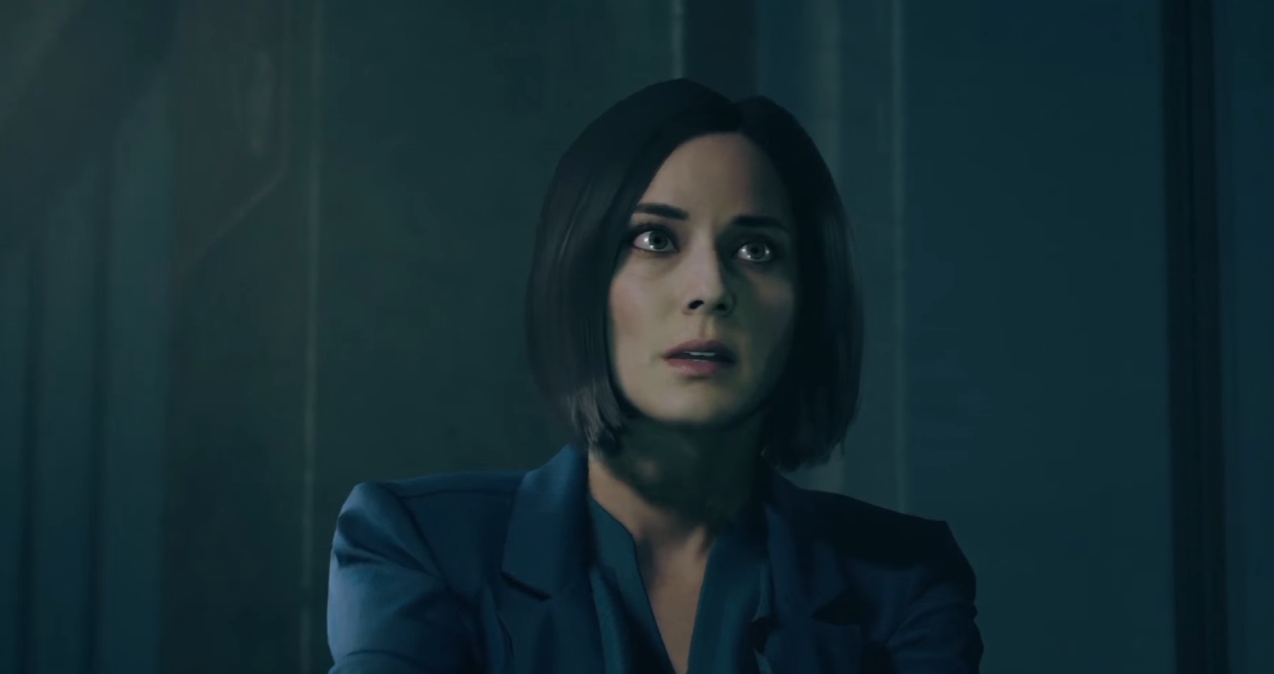
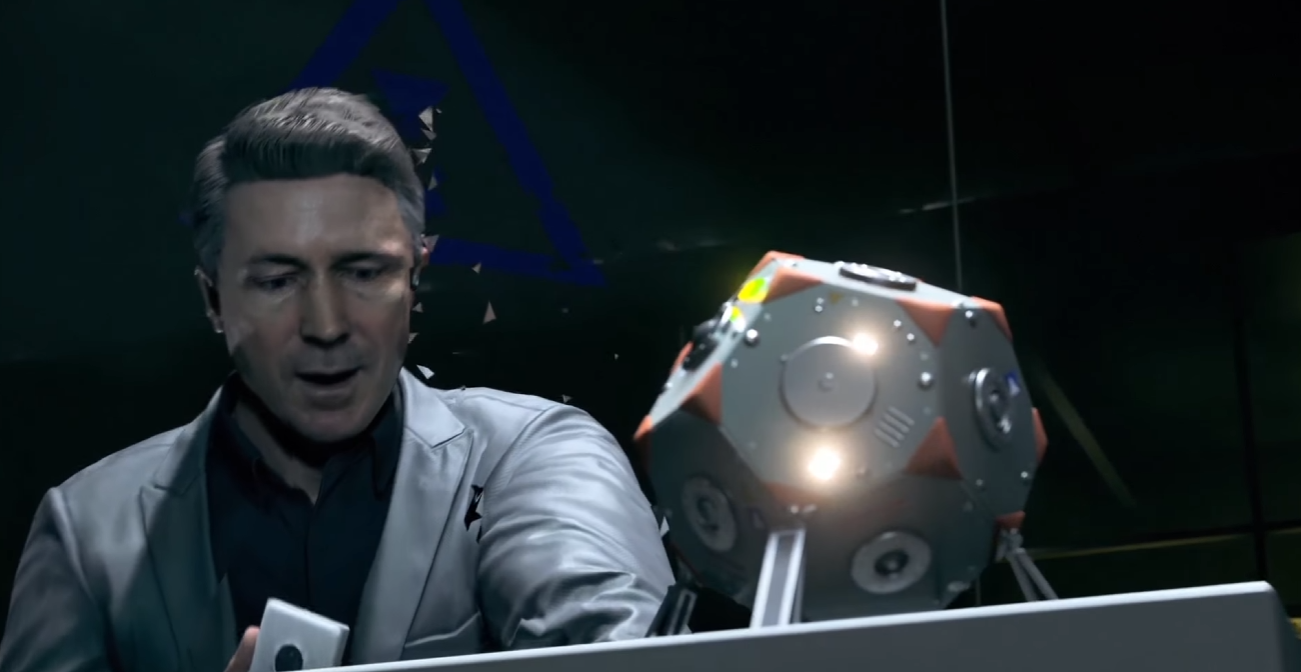
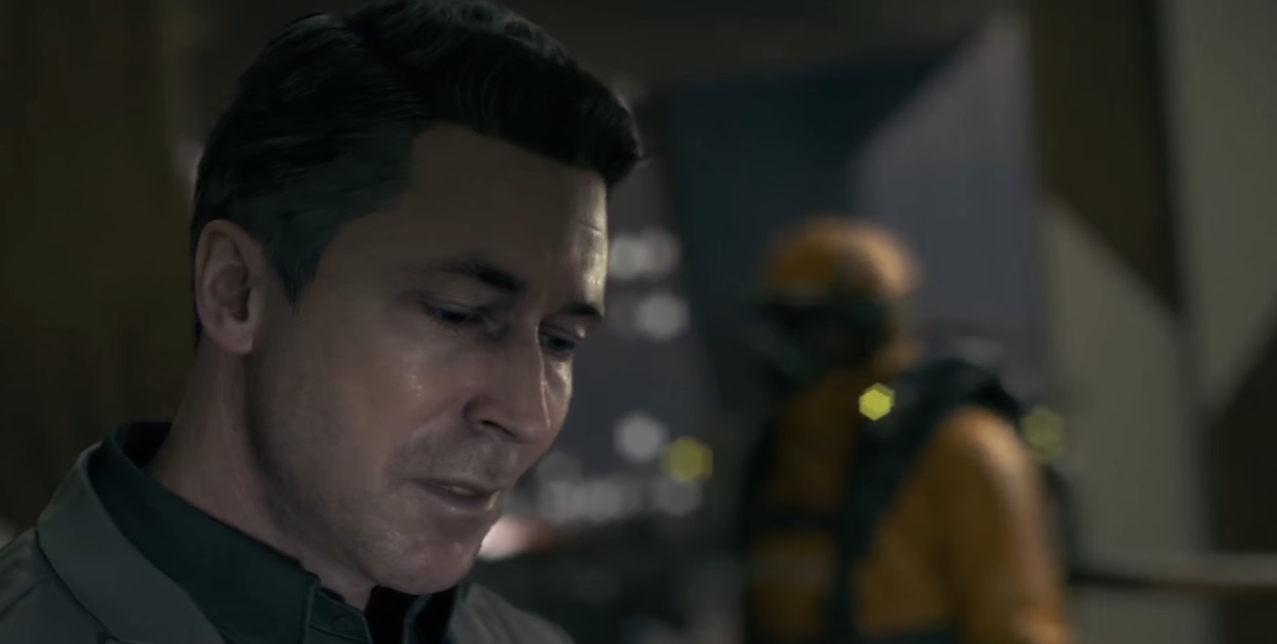
- Making the final edit for cinematics by choosing the best cameras and shots for each moment from the various virtual camera takes shot by the drama director. Making facial selects for the actors in the edited cinematics to be used for the facial animation.
- Add SFX and music suggestions (for mood) in the edits made.
- Decide timing for possible slow downs and speed ramps.
- All edits made using Sony Vegas Pro.
Cinematic Implementation
General
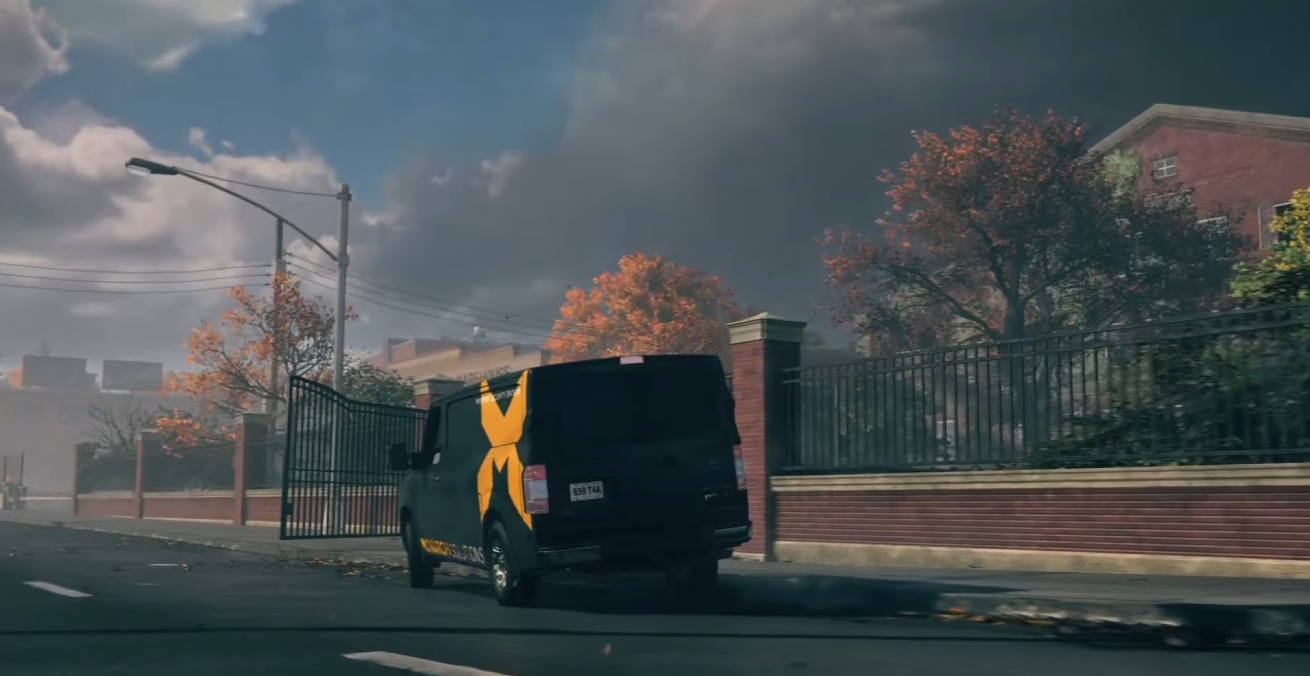
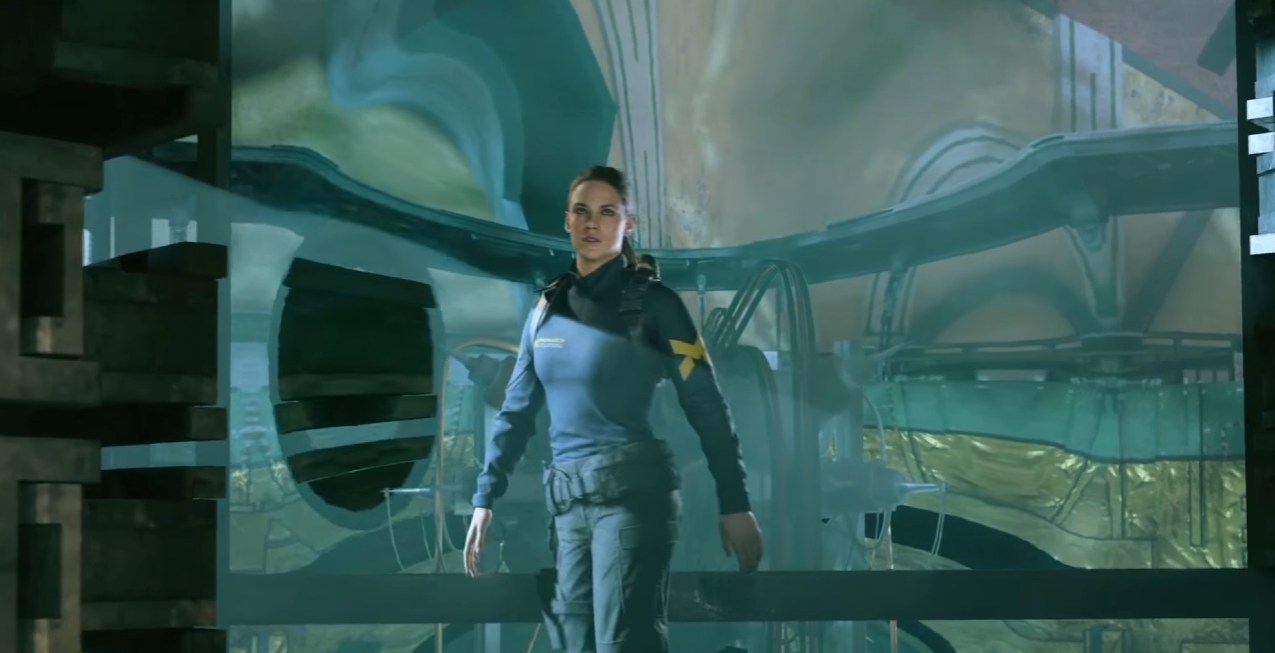
- Taking all the cinematic assets and implementing them in to the game levels as a whole using Remedy’s in-house level and timeline tools on the Northlight Engine.
- All cinematic related scripting through Remedy’s in-house scripting tools on the Northlight Engine.
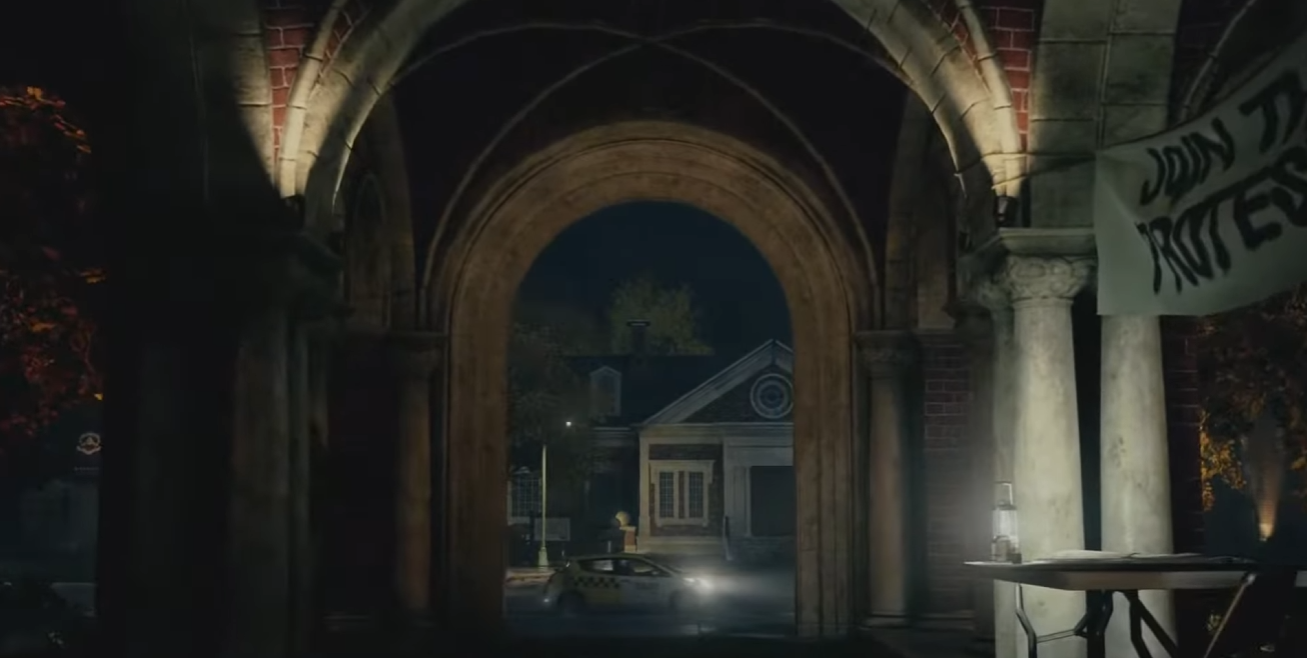
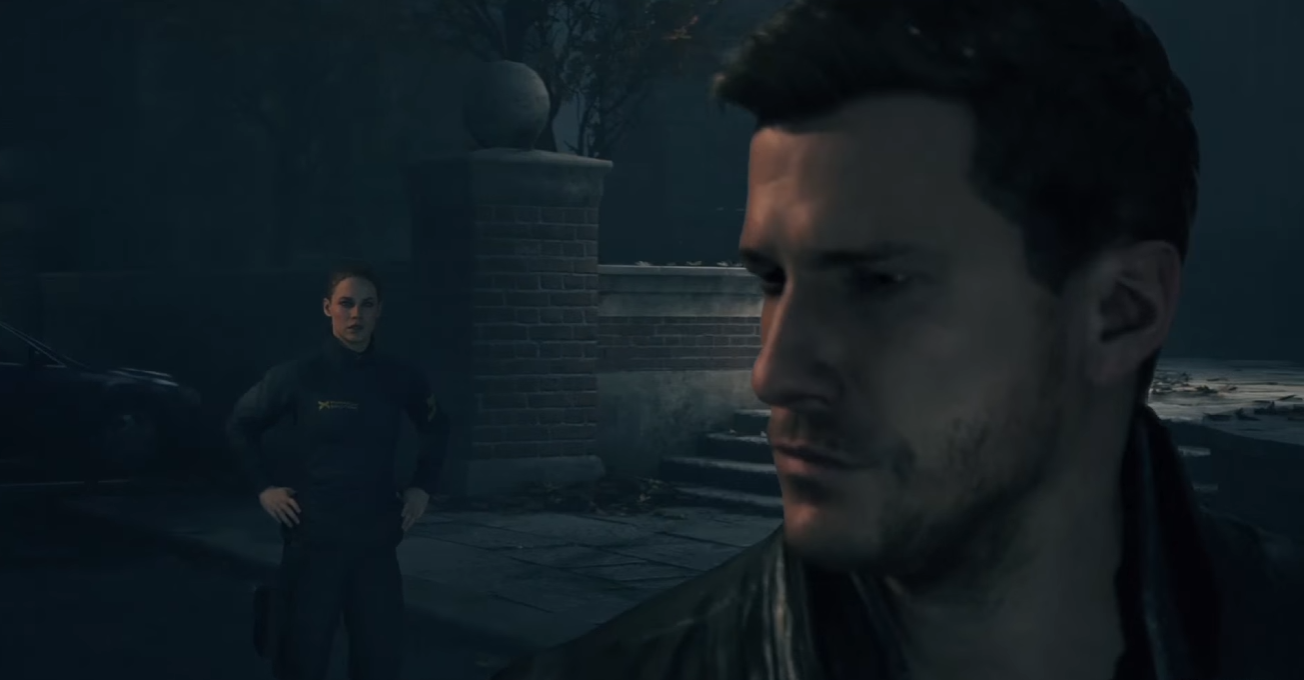
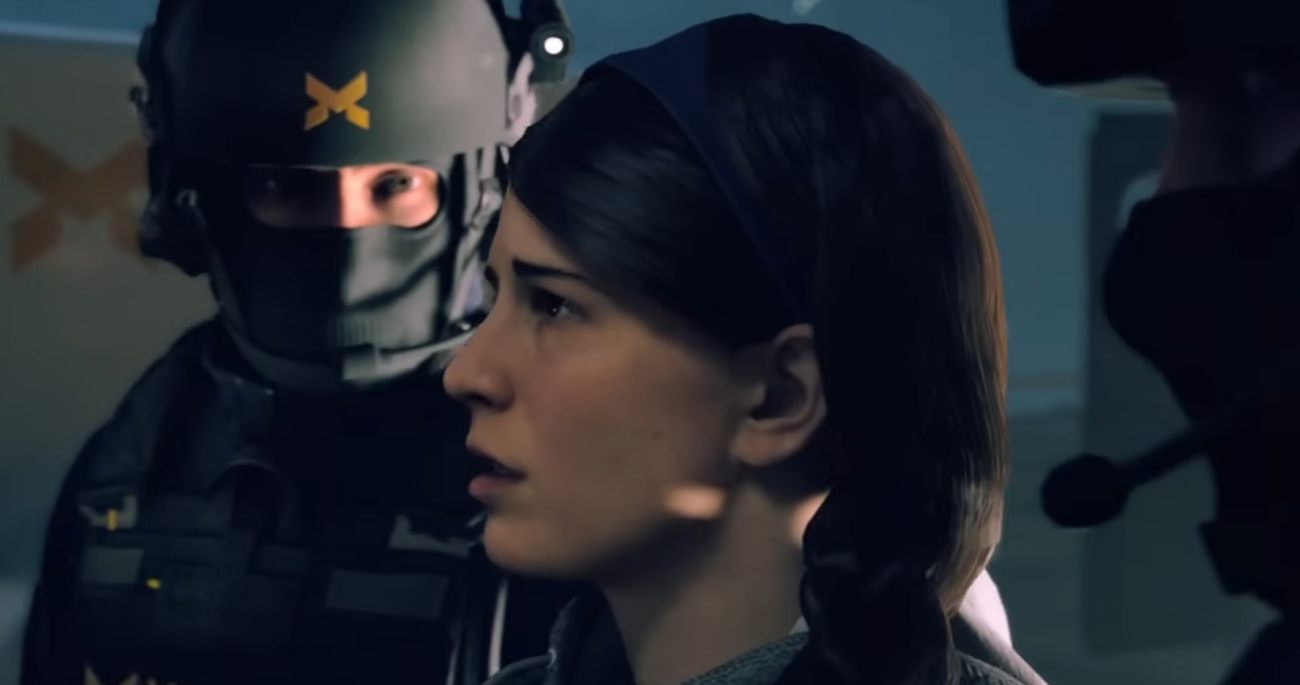
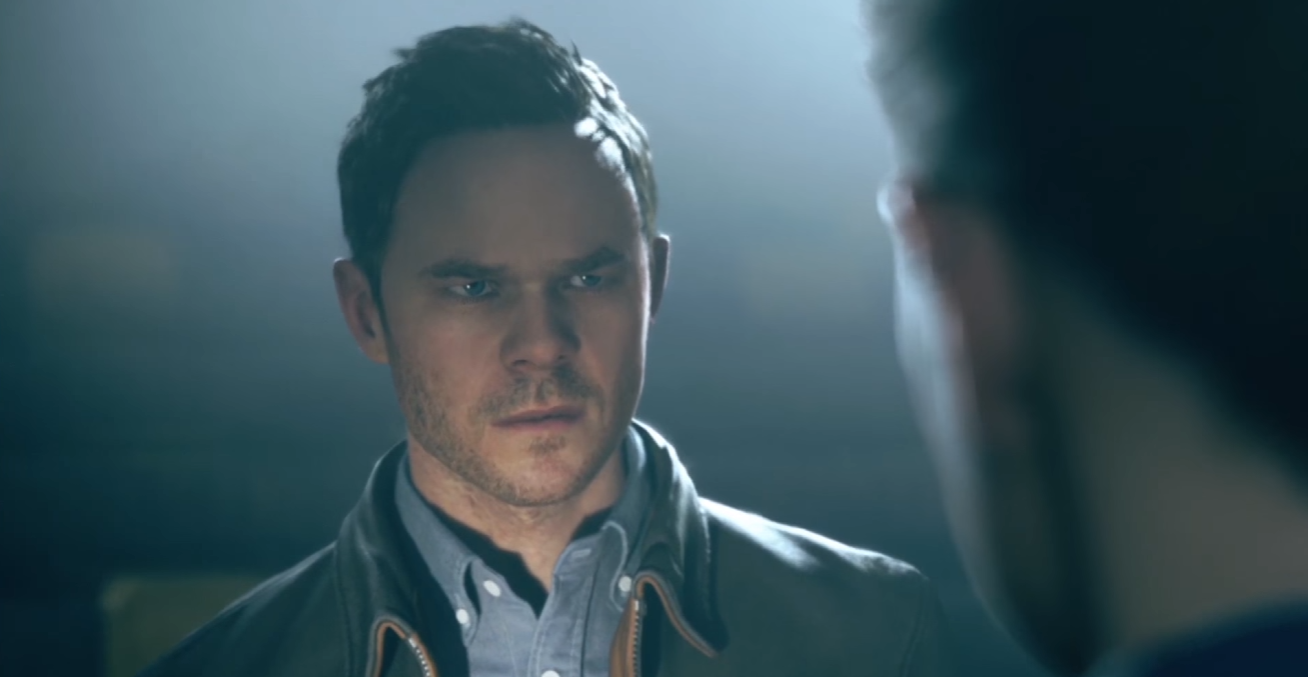
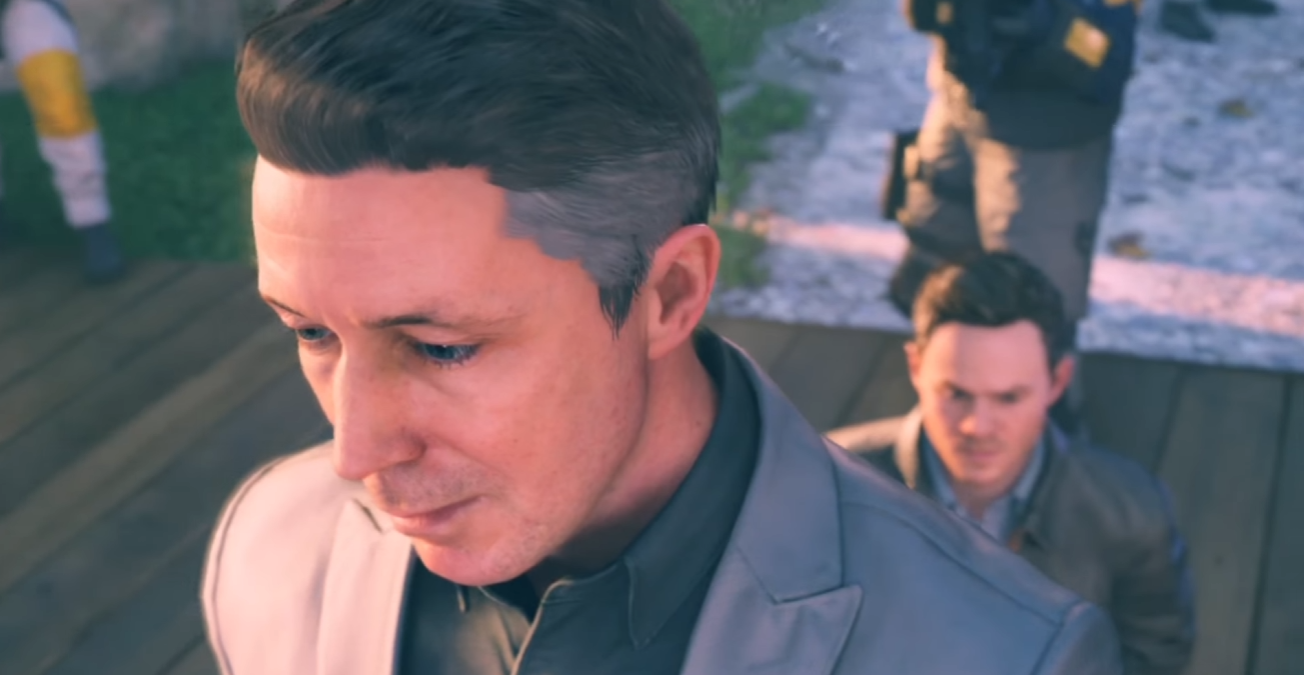
- Applying the most suitable depth of field for each shot.
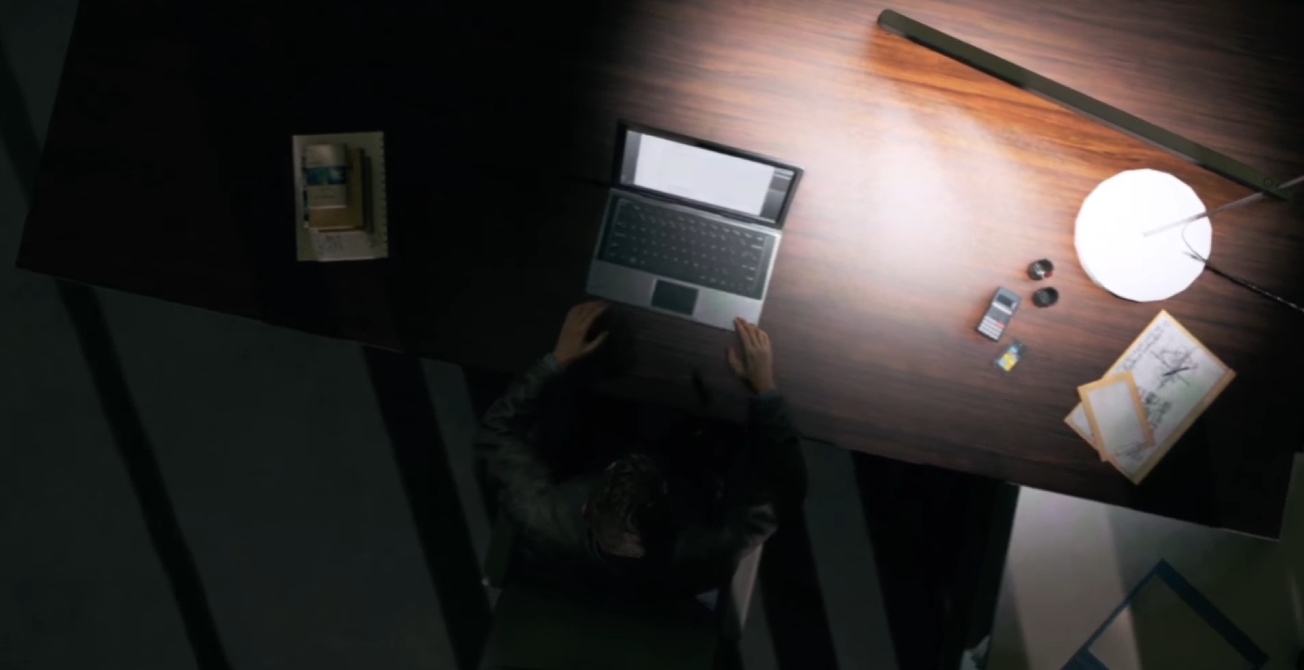
- Creating seamless transitions from gameplay into cinematic and vice versa.
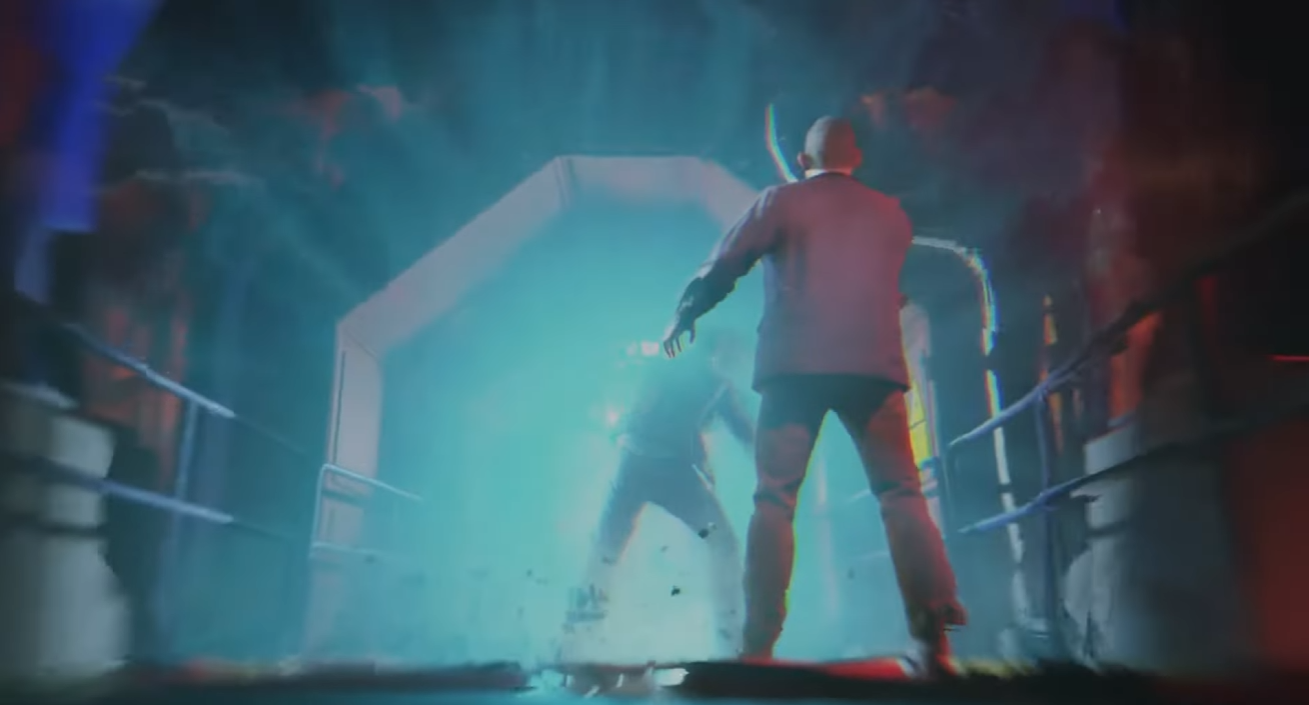
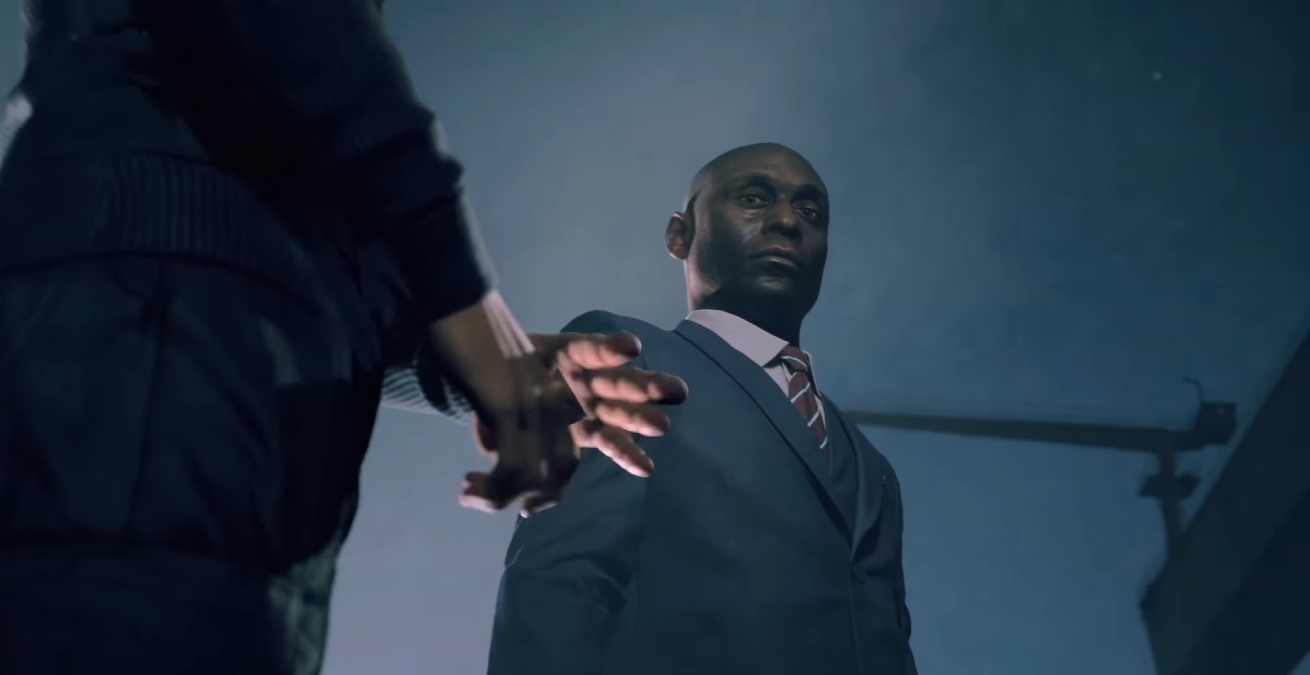
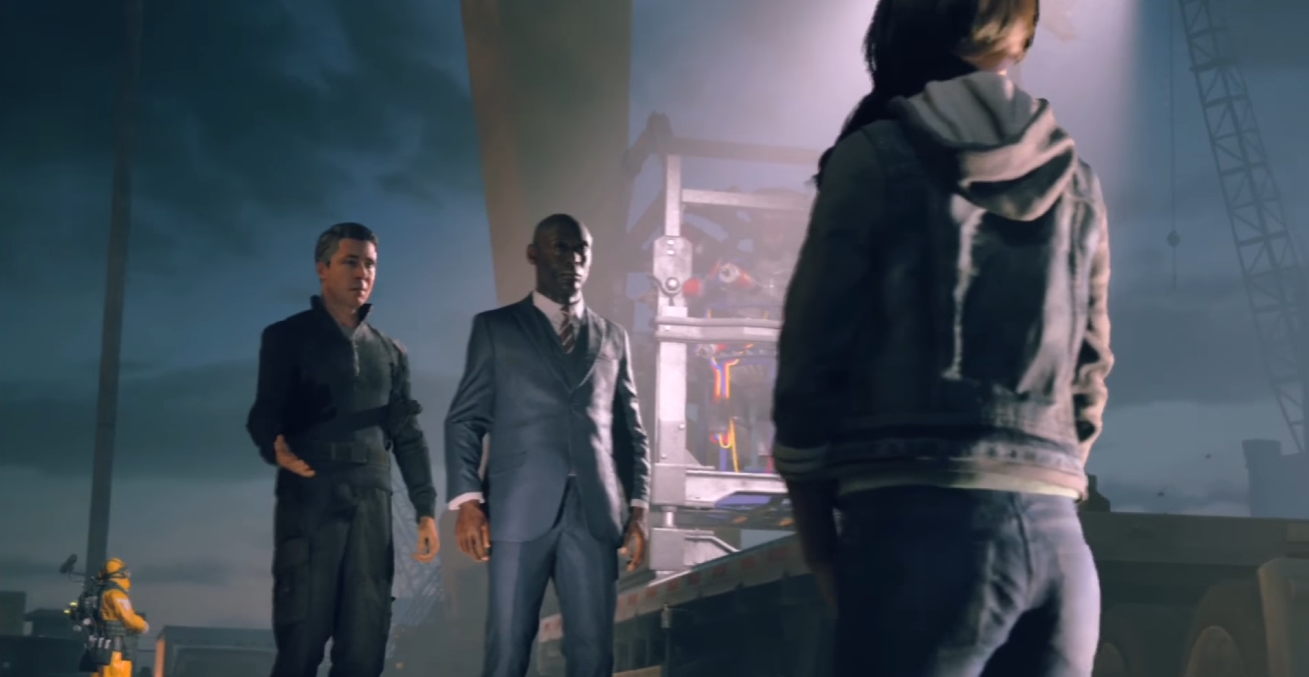
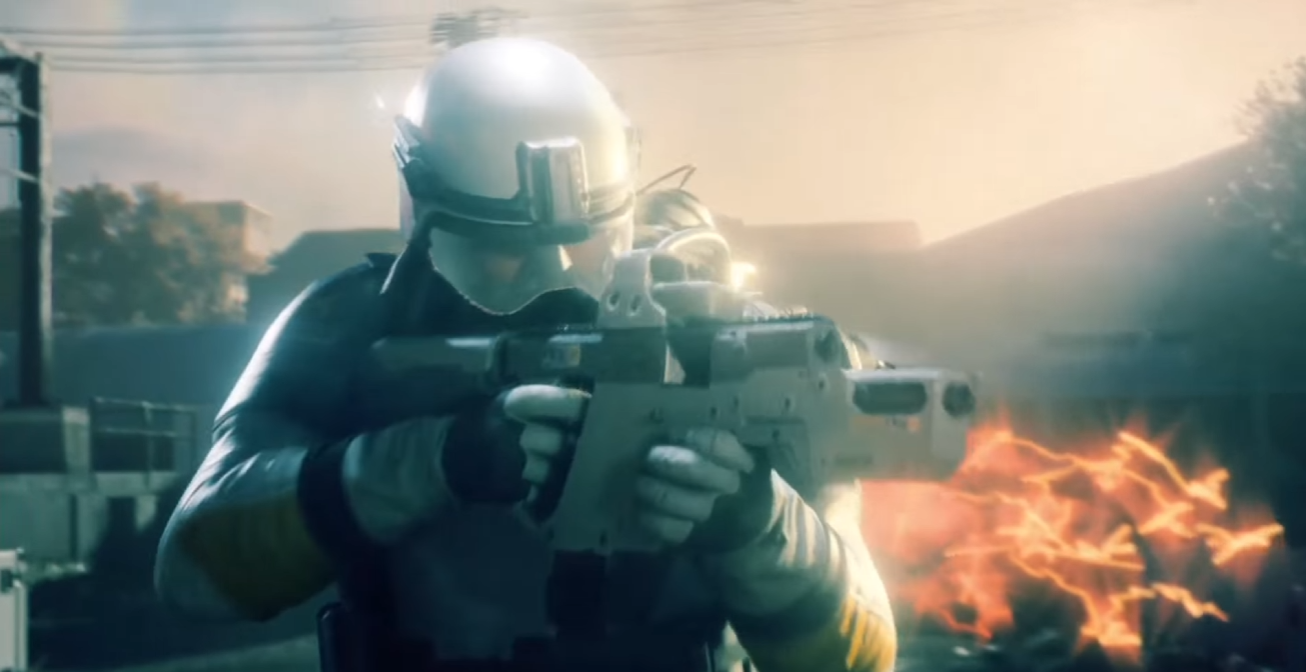
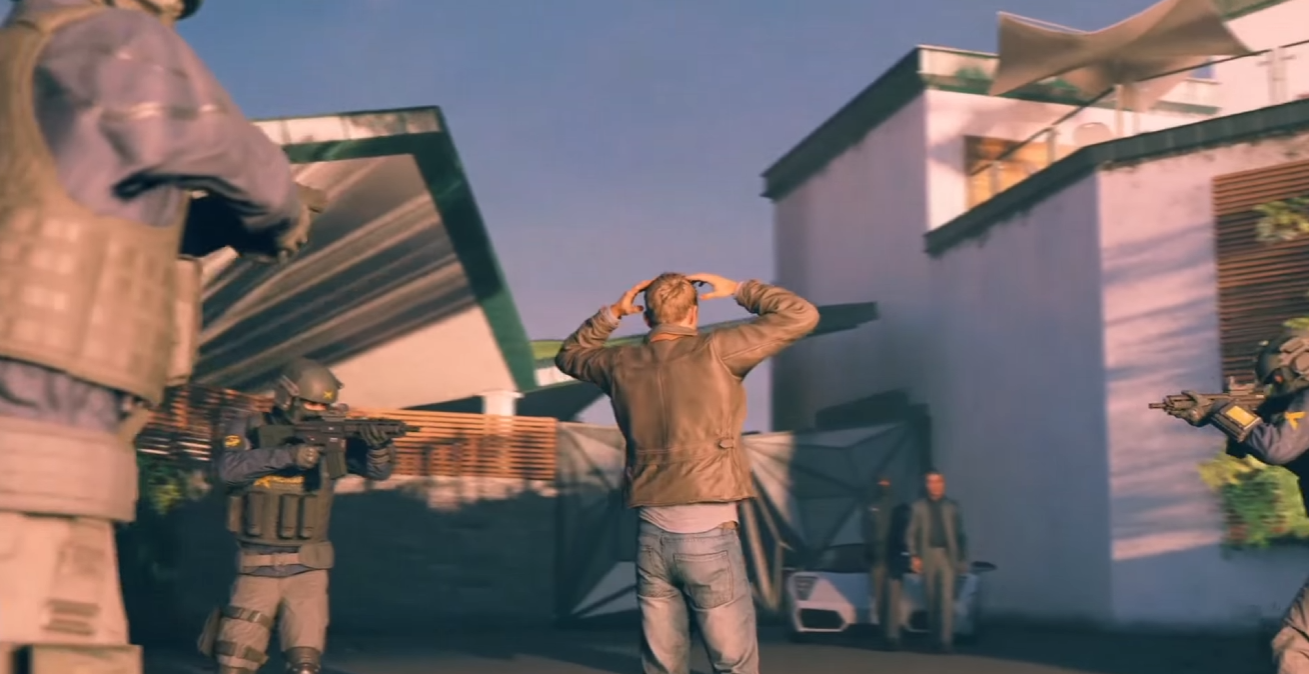
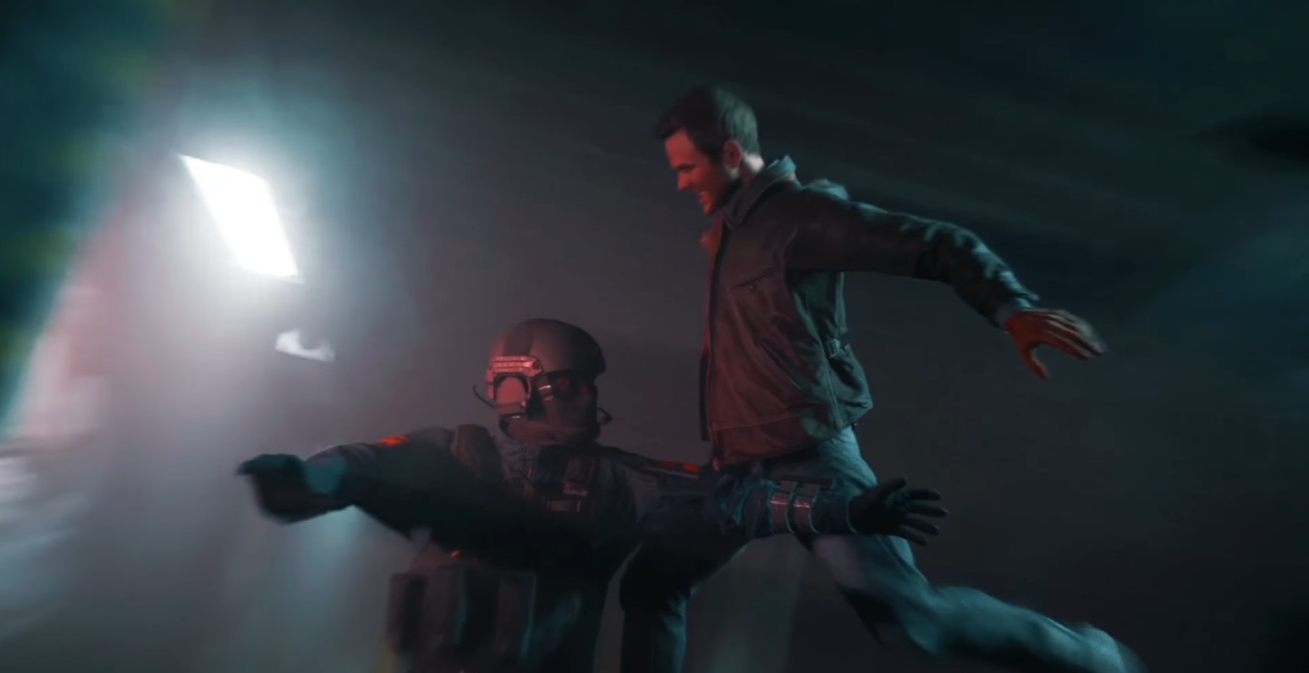
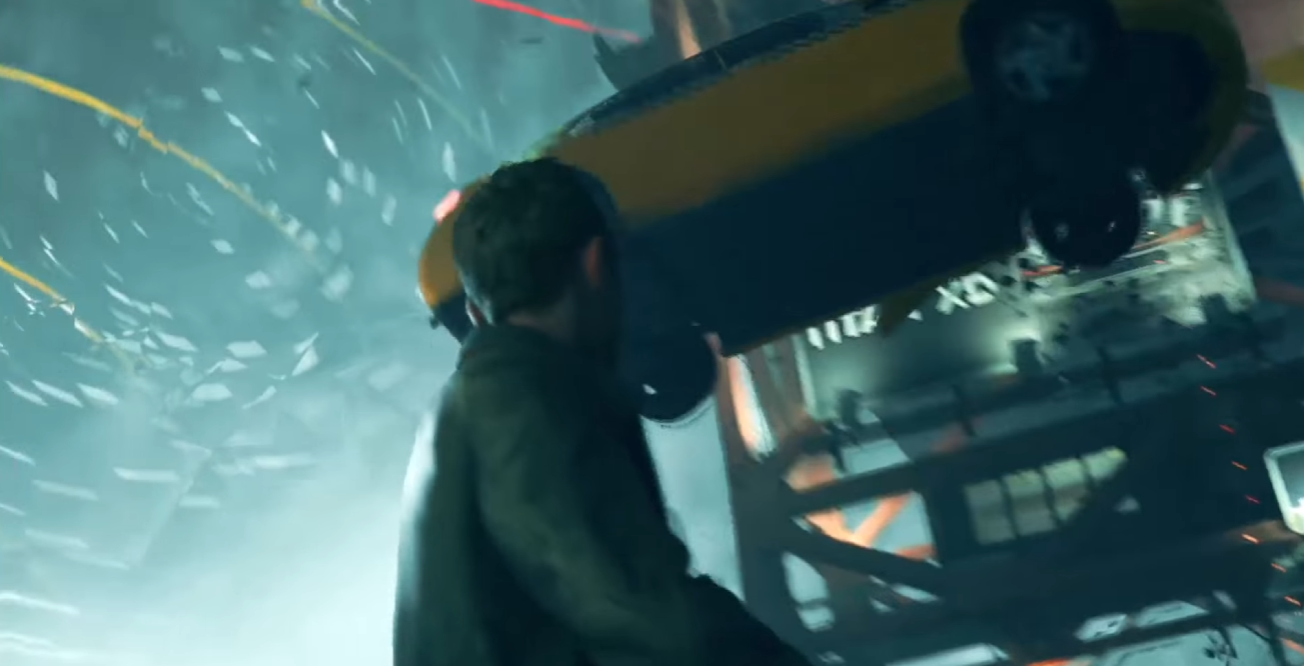
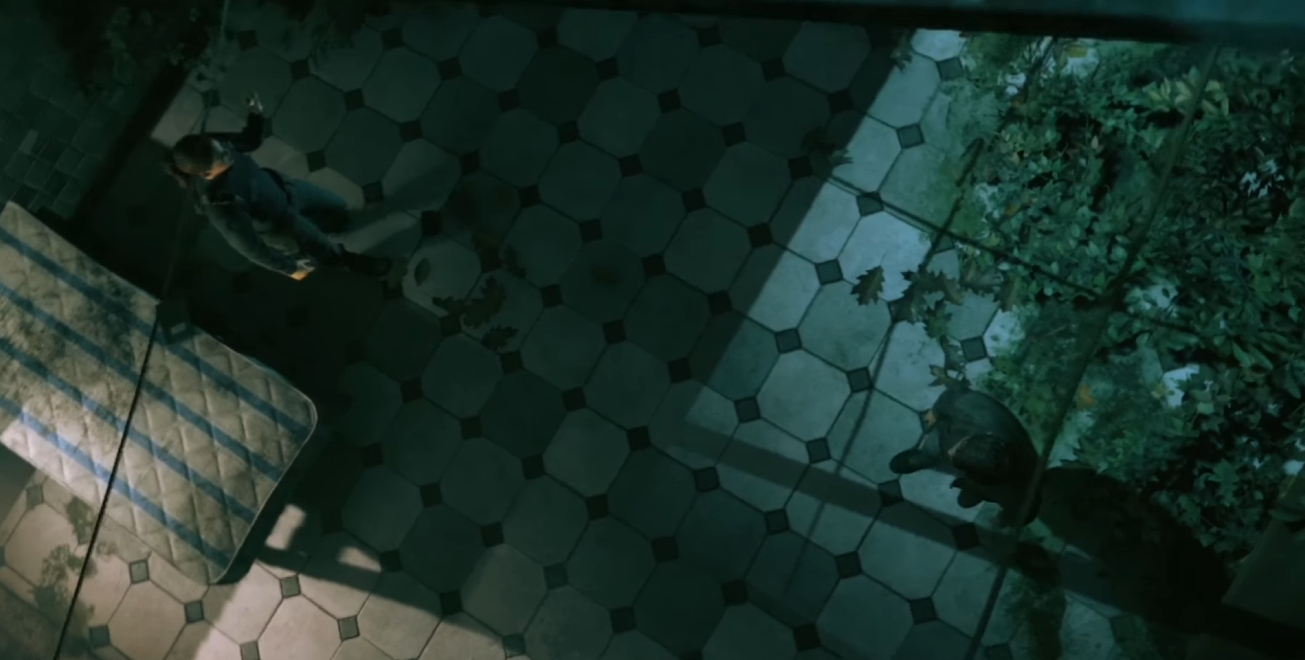
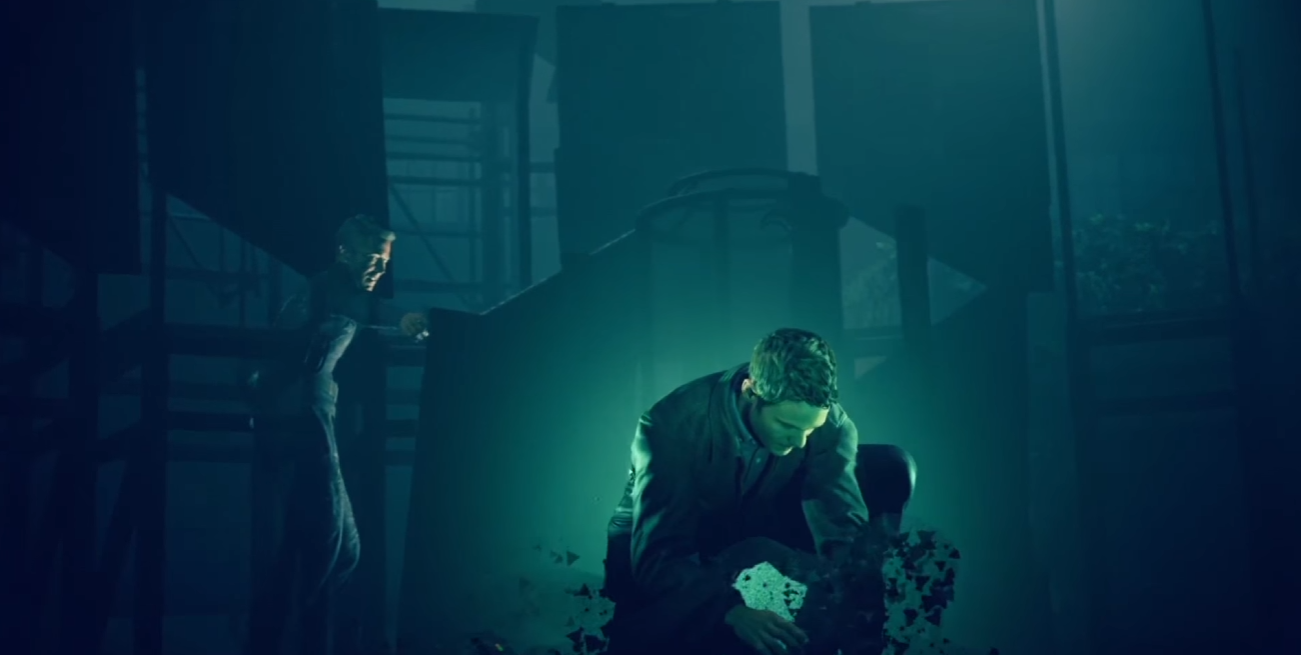
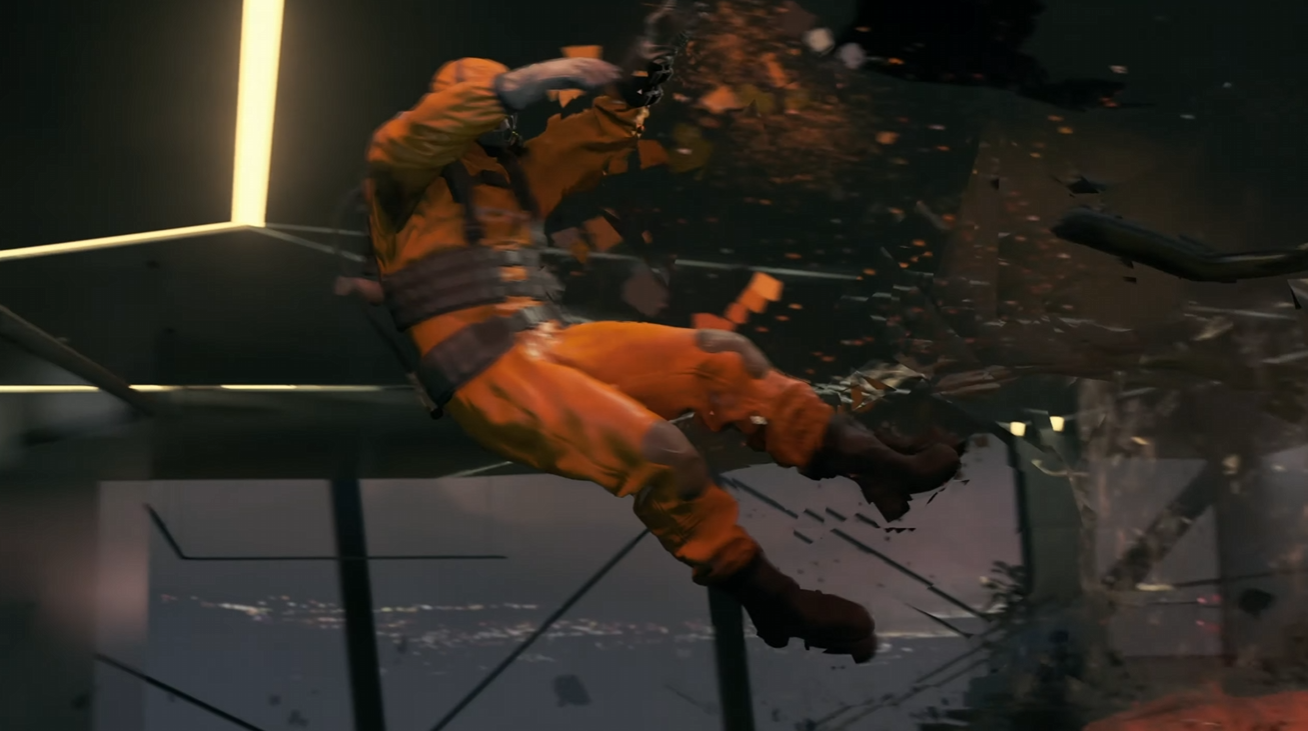
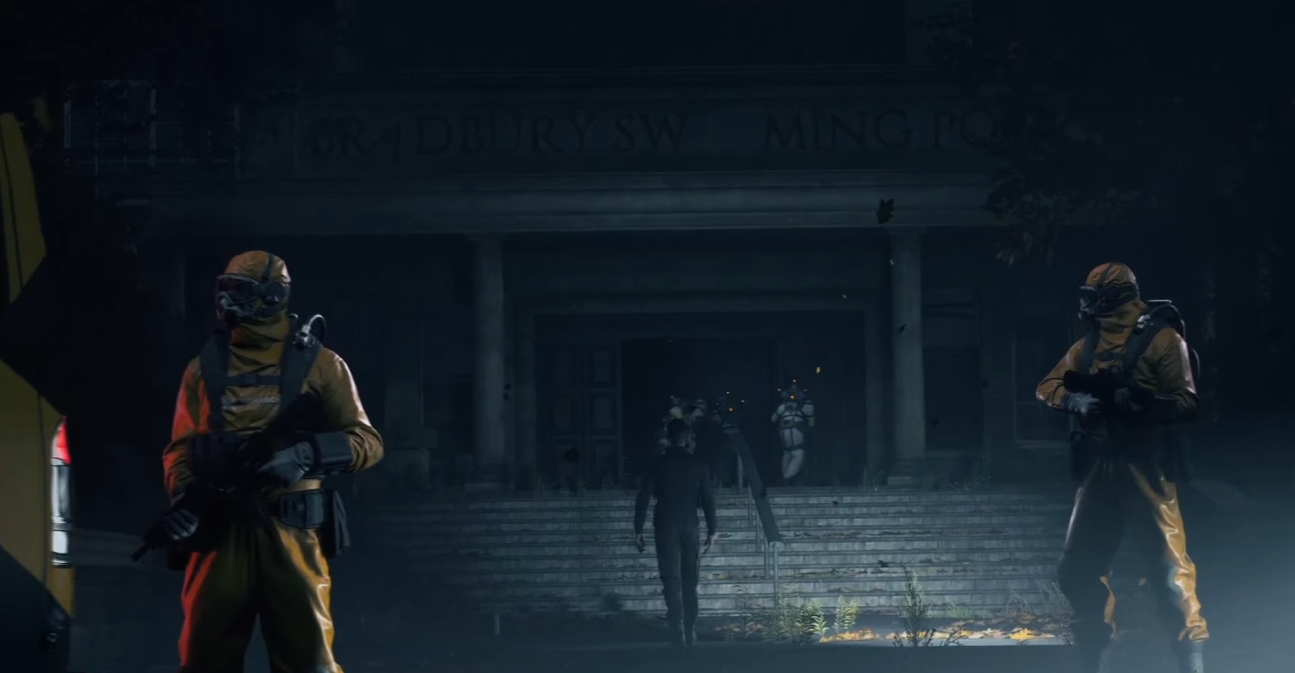
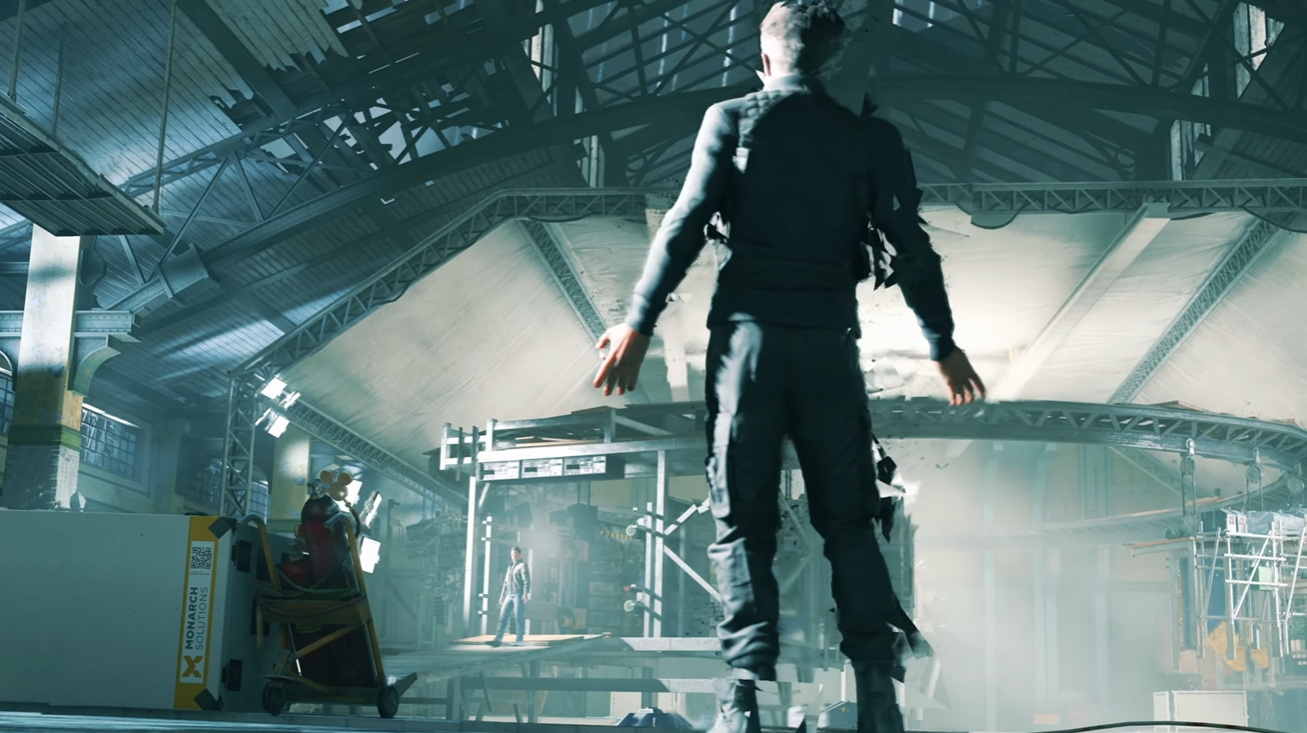
- Implementation of rudimentary placeholder particles for timing, to be replaced by final effects by the VFX team e.g. the trails in the image above.
- Real time in-engine cinematics & pre-rendered videos (Bink).
Tutorial cinematics
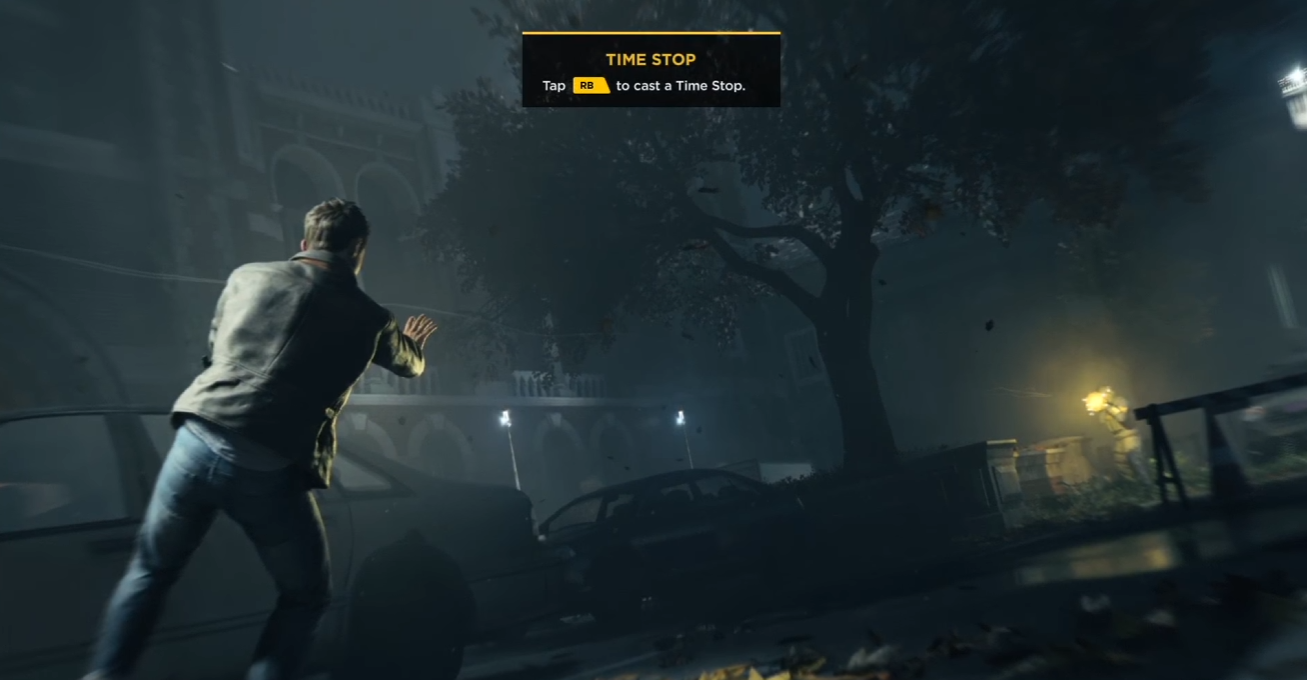
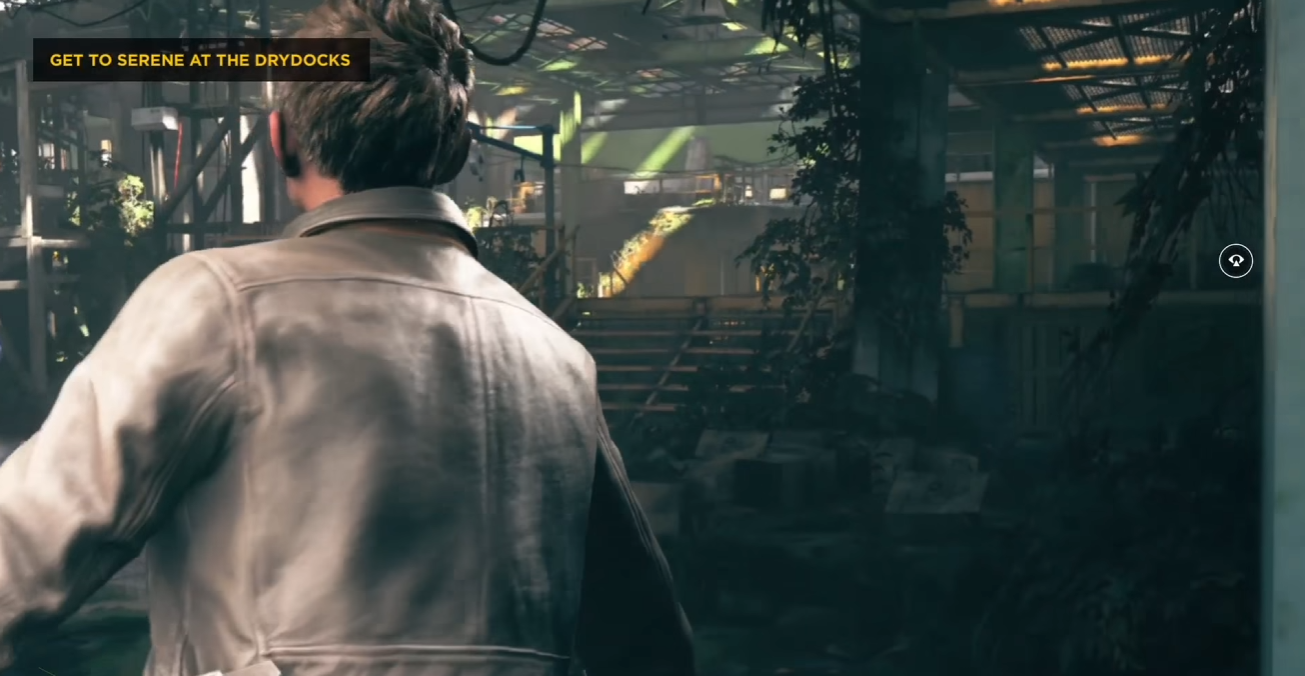
- Player Button prompts and tutorial pop-ups.
- Smooth looking slowdowns in to the tutorial moment and speed ups out of it after the button press. Also an eventual complete stop, if the player does not press the button for a while.
- Nicely flowing camera motion for the tutorial moment when/if other movement is halted to keep waiting for player input.
- Sometimes more complex slow motion on top of the tutorial slow motion, as the player abilities being taught were related to time manipulation.
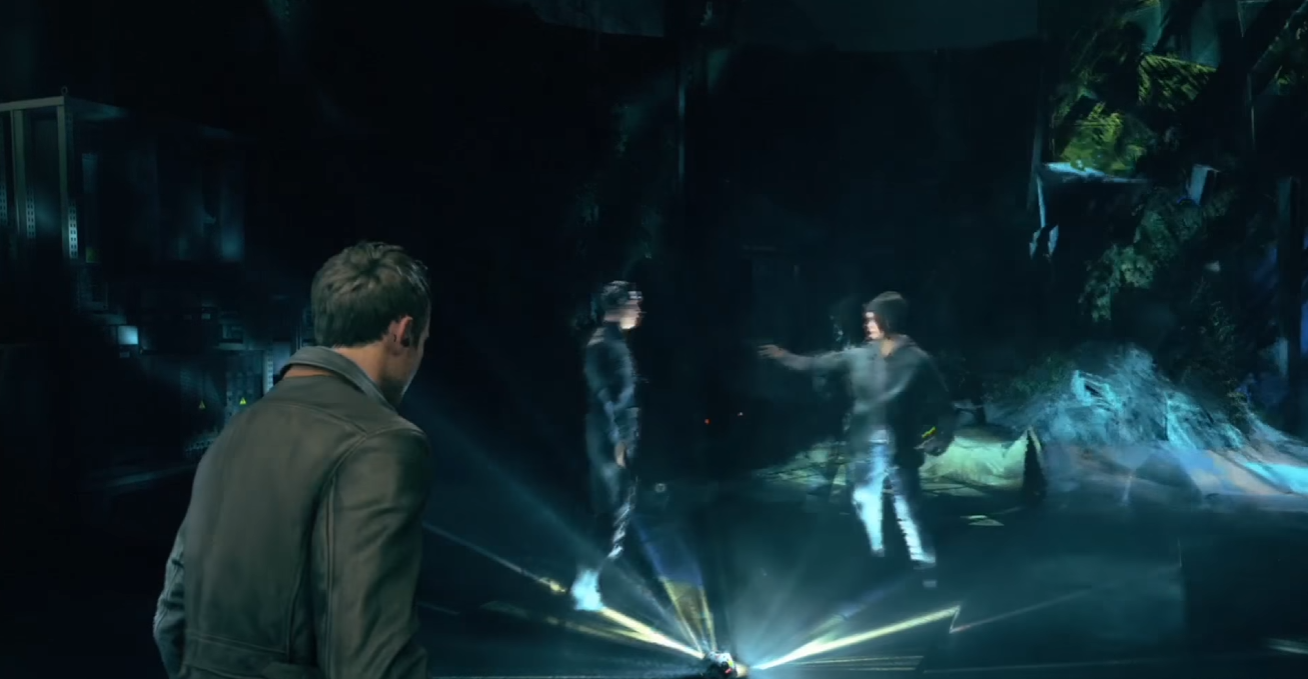
Alternative cinematics based on player choices
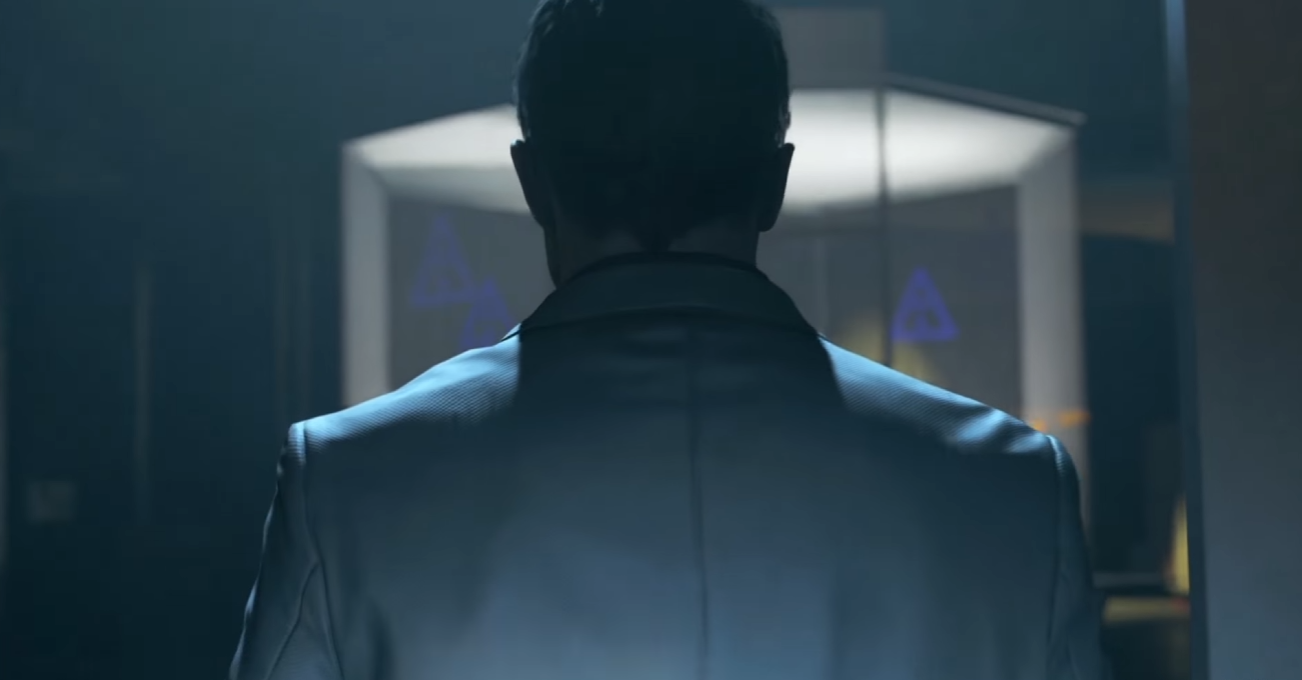
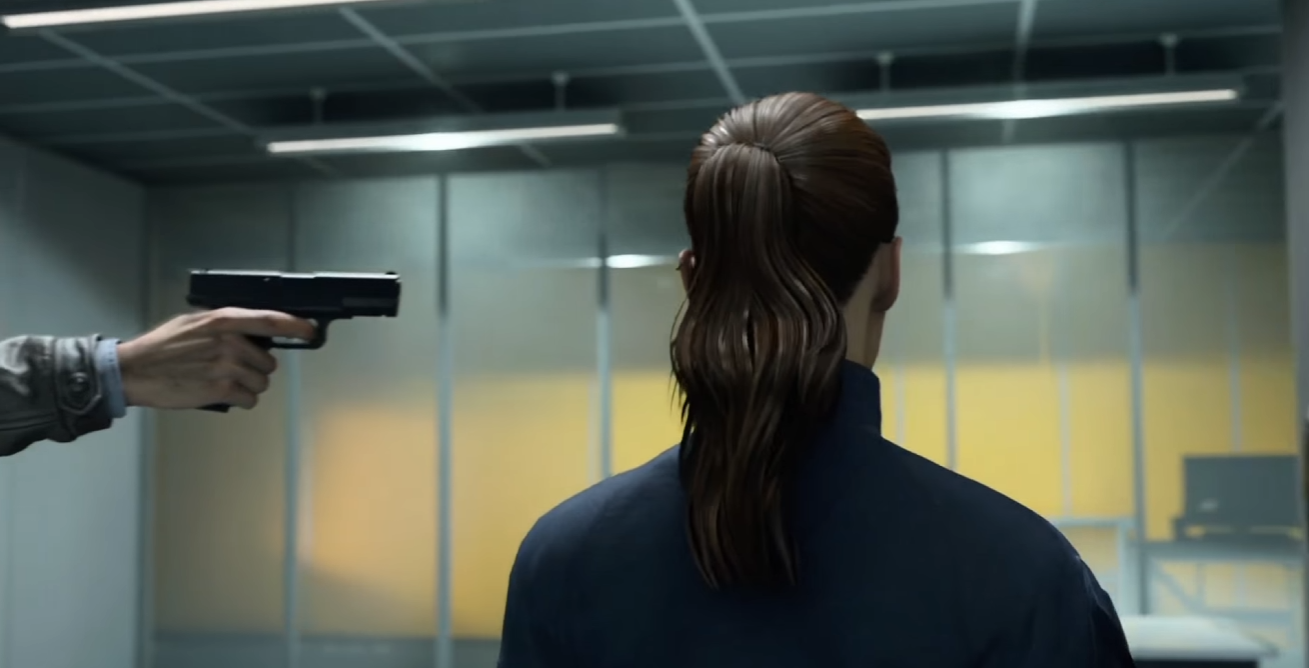
- Editing the alternative cinematics with clearly distinct tones and techniques to emphasize their difference.
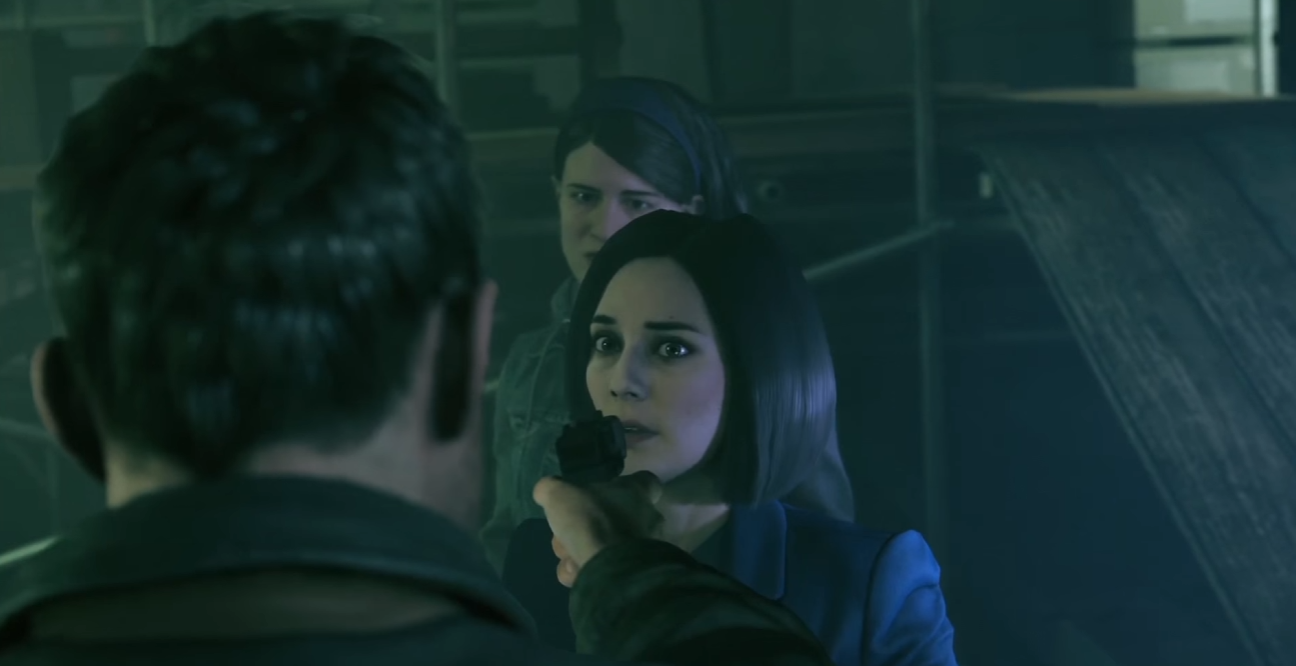
- Implementation of two different cinematics with a same starting point.
- Scripting the branch which triggers the right cinematic depending on what the player chose as their next move.
- Keeping track of the choices in affected later cinematics as well.
Depth of Field
- setting the focal distance F-stop manually for each shot of a cinematic through the Northlight Engine timeline tool or through script in the scripting tool.
- Choosing the best focus point for each moment and changing it fluidly whenever necessary.
- Adjusting DoF after lighting and VFX pass.
 Roosa Jokiaho